ChatGPT Exporter is a free Chrome extension that saves any ChatGPT conversation as a PDF, a Word document, Markdown and more. It all happens in your browser.
1. Why use a ChatGPT export extension?
ChatGPT has no built-in button to save a single conversation as a document. The official data export emails you a large archive of every chat, which is slow and hard to read. A ChatGPT export extension solves this by adding the buttons to the page you are already on, so you can save one chat, or a few messages, in seconds.
Printing the page from the browser is the usual workaround, but it cuts off code blocks, keeps the sidebar and breaks pages in awkward places. ChatGPT Exporter builds the file from the conversation itself, so your headings, lists, tables, code and links come through cleanly. It is a ChatGPT conversation downloader for people who want a tidy document, not a screenshot.
Because it is a ChatGPT exporter browser extension that runs locally, nothing is uploaded. There is no server and no analytics on your chats, which matters when a conversation contains client work, source code or private notes.
2. Export ChatGPT to PDF, Word and more
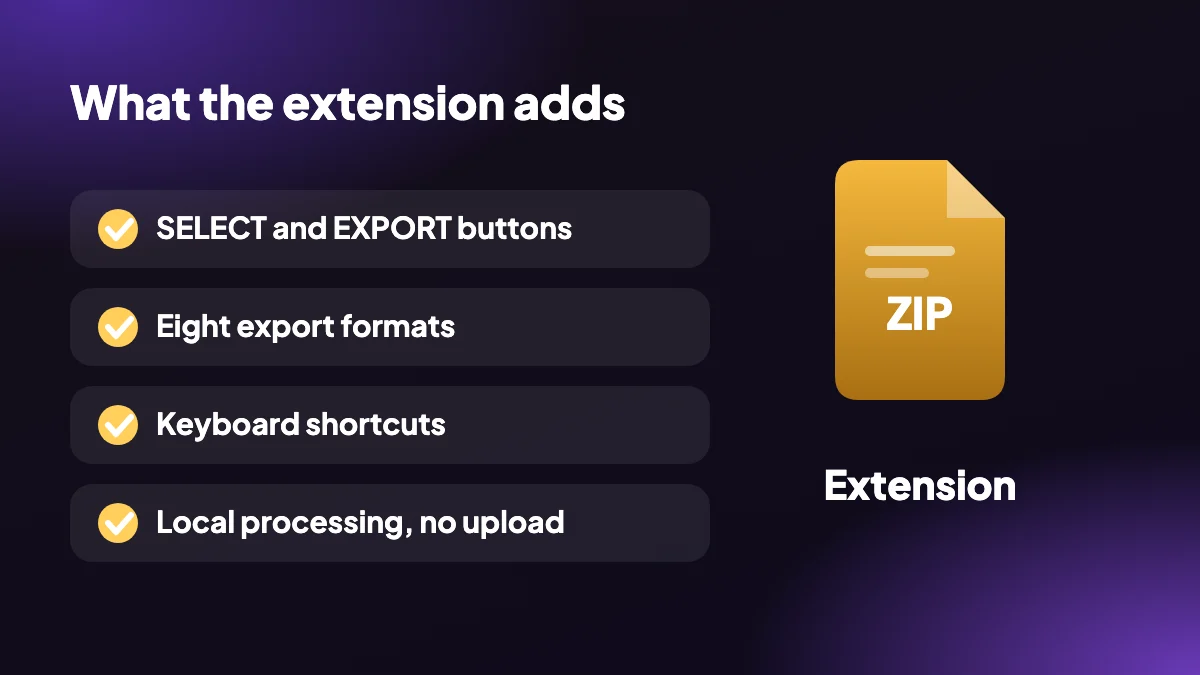
One ChatGPT to PDF browser extension and Word exporter, with six other formats built in. Compare them all in the export format guide.
- Save as PDF: Choose page size, margins, theme, fonts, page numbers and a table of contents for a clean PDF.
- Export to Word: Get an editable .docx file you can open in Word, Pages or Google Docs.
- Markdown, HTML, text: Pick Markdown for notes, one-file HTML for the web, or plain text when you only need the words.
- JSON, CSV and PNG: Structured data for developers, spreadsheet rows for analysis, or an image to share.
- Select messages: Tick the messages you want, or use the All, Questions, Answers, None and Invert presets.
- Bulk export to ZIP: Download many conversations together in a single ZIP instead of one at a time.
3. How to install and use the extension
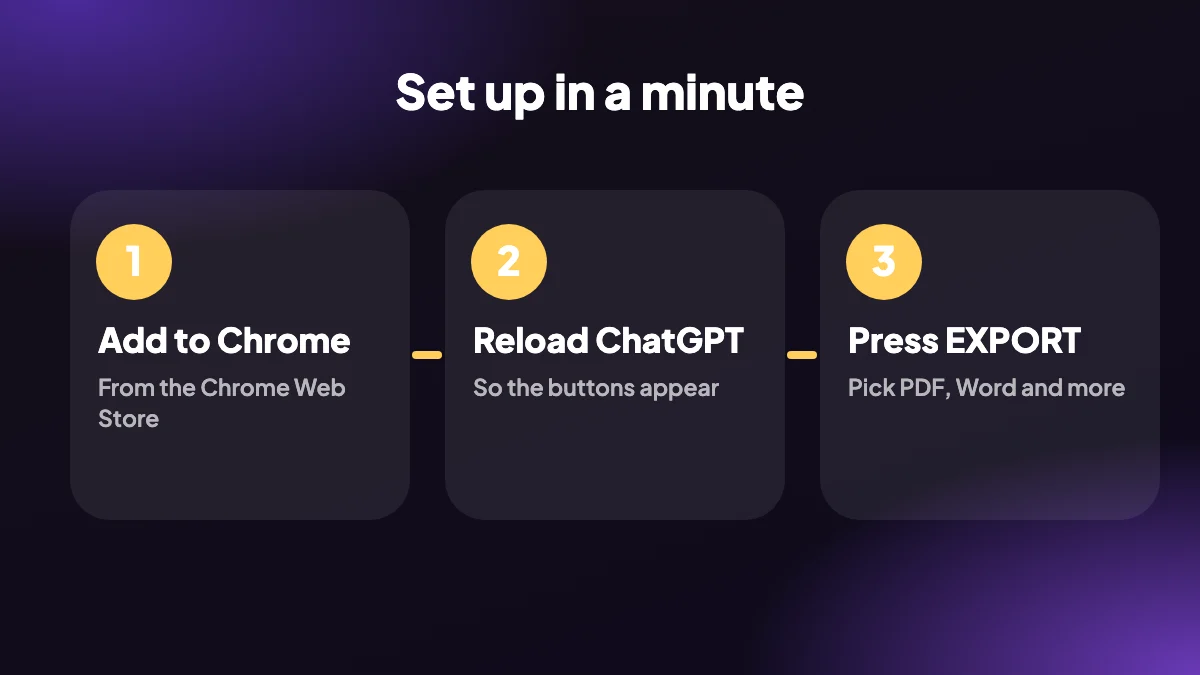
Whether you want a ChatGPT to PDF Chrome extension or a way to save ChatGPT as PDF and Word, setup is the same.
Install the extension
Open the Chrome Web Store listing and click Add to Chrome. It takes a few seconds and the free plan needs no sign-up.
Reload ChatGPT
Chrome only adds extensions to pages that load after install, so reload any open chatgpt.com tab once.
Open a conversation
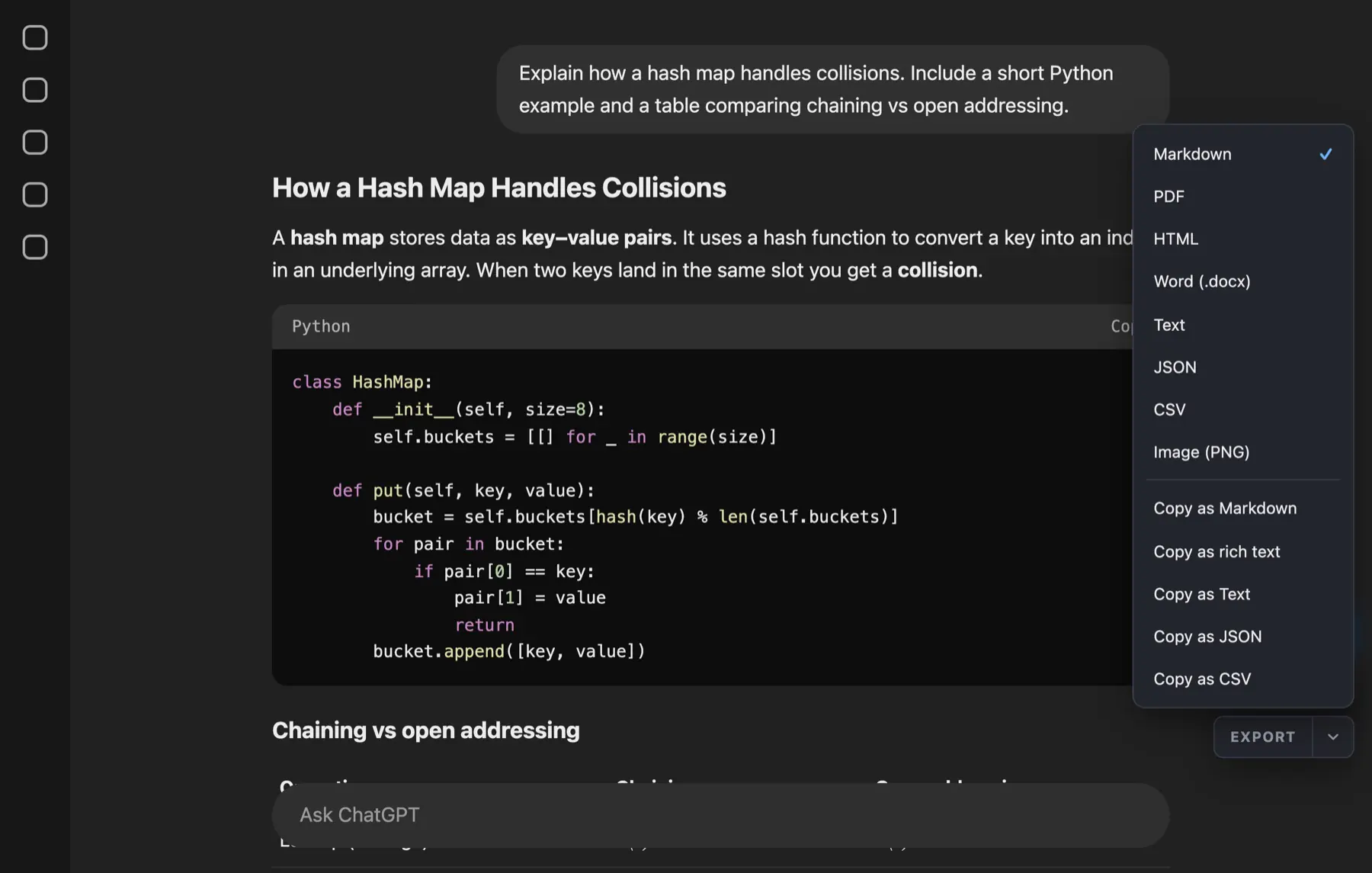
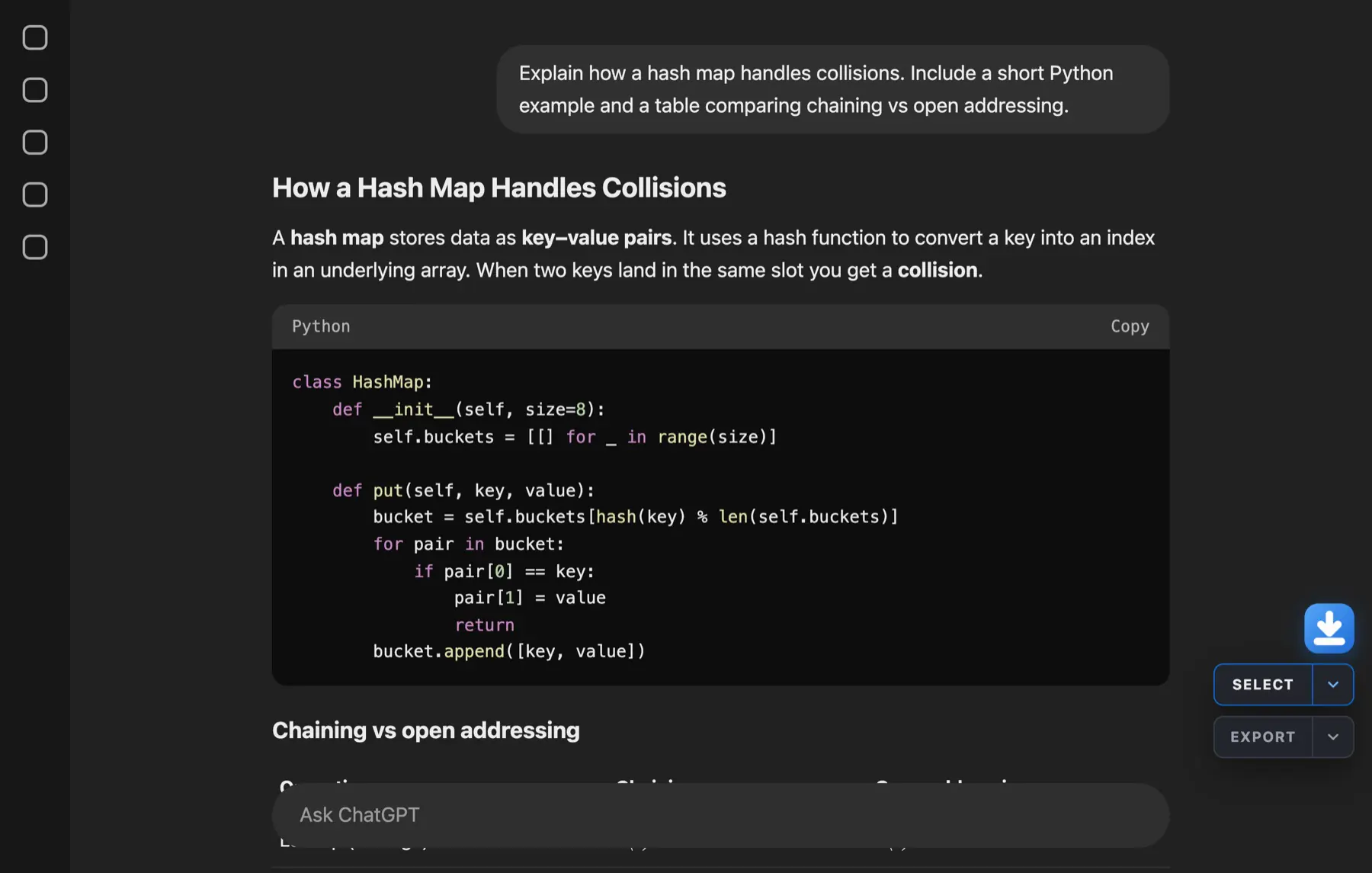
SELECT and EXPORT buttons appear in the bottom-right corner of the chat.
Pick PDF or Word
Click the arrow beside EXPORT and choose PDF, Word or another format. Use Alt+Shift+P to jump straight to PDF.
4. A better ChatGPT print and save Chrome extension
If you search for a ChatGPT print and save Chrome extension, you want the result to look like a document. Set the PDF page size and margins, pick a light theme for printing, add page numbers and a table of contents, and start each of your prompts on a fresh page for study notes.
PDF export finishes in Chrome's print dialog, where you choose "Save as PDF". That keeps everything offline. For an editable copy, export to Word instead, or read the full ChatGPT to PDF guide.
5. Browser support and pricing
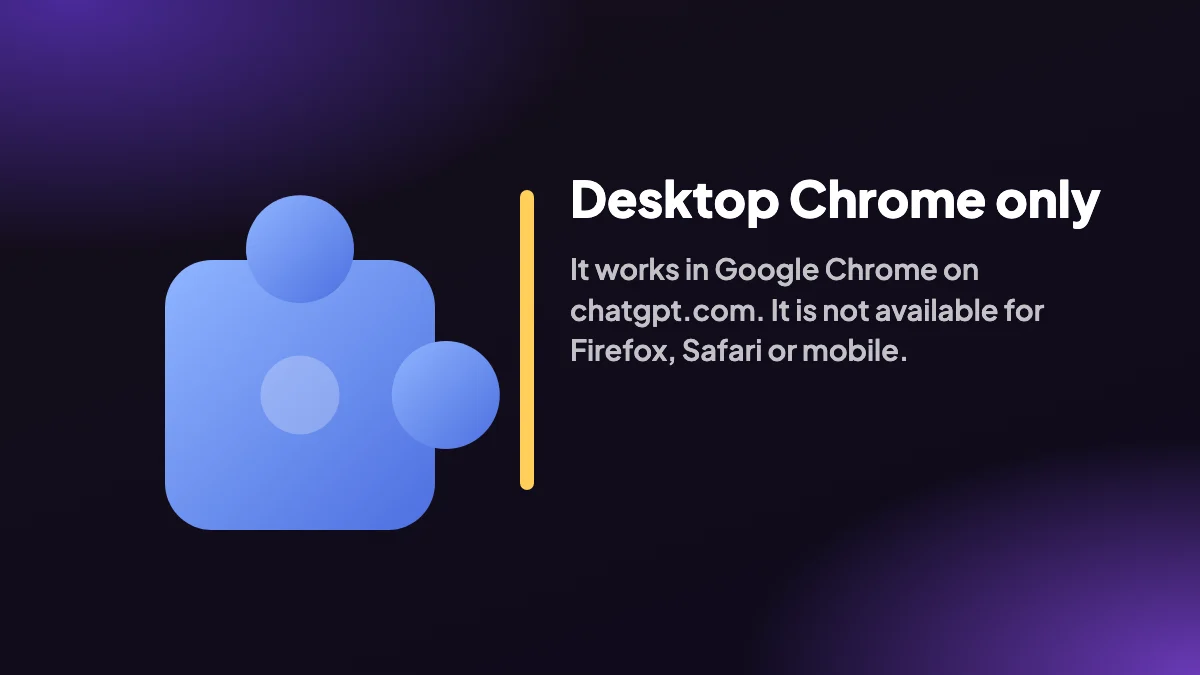
ChatGPT Exporter is built for desktop Google Chrome on chatgpt.com and is not available for Firefox, Safari or mobile. The Free plan includes 5 full exports and 7 single exports a month in every format, which is plenty to try it on real work. When you need more, see pricing for unlimited conversions.
Stuck after installing? The help page covers missing buttons, keyboard shortcuts and common fixes, and the privacy policy explains exactly what the extension does with your data. Comparing tools? Use our checklist for the best ChatGPT exporter, or learn how to export a ChatGPT conversation by other methods.
6. What the extension asks for, and why
Installing something that can read your chats is a decision to make with open eyes. ChatGPT Exporter runs on chatgpt.com and talks to no other site, and each permission it requests has a specific purpose: reading the conversation you have open, writing the file you ask for, and putting text on your clipboard when you press copy. The privacy policy lists them all in plain language.
You can check this yourself. In Chrome, open chrome://extensions, choose Details and read the site access. If you want to be thorough, watch the Network tab in DevTools during an export and confirm that no data leaves for another domain.
7. Questions we hear before people install
- "Will it slow ChatGPT down?" The extension adds a small panel and does its work when you click export.
- "Can I use it on a work account?" Yes, but follow your organisation's policy on saving chats, since an export is a file on your computer.
- "What if ChatGPT changes its page?" That does happen. Keep the extension updated and see ChatGPT export not working if something breaks.
- "Do I need an account?" Not on the Free plan.
- "Is it affiliated with OpenAI?" No. It is an independent project.
Frequently asked questions
What is the best Chrome extension to export ChatGPT to Word or PDF?
ChatGPT Exporter is a free Chrome extension that saves a ChatGPT conversation as a PDF or an editable Word (.docx) file, plus Markdown, HTML, text, JSON, CSV and PNG. It runs locally in your browser, so your chats are not uploaded anywhere.
Is the ChatGPT Exporter extension free?
There is a Free plan with a monthly quota for trial use: 5 full exports and 7 single exports a month, in every format. The Month plan ($8), Year plan ($48) and one-time Lifetime plan ($79) remove the limit. See pricing.
How do I save a ChatGPT conversation as a PDF with the extension?
Open the chat, click the arrow beside EXPORT and choose PDF, or press Alt+Shift+P. Chrome opens its print dialog; choose "Save as PDF" as the destination and save the file. For other ways to do it, read the print and phone methods.
Can the extension export ChatGPT to Word?
Yes. Choose Word from the EXPORT menu and the extension creates a .docx file with your headings, lists, tables and code blocks. Maths is stored as LaTeX text in Word, so use PDF when you need typeset equations. See ChatGPT to Word for details.
Does the extension upload my ChatGPT conversations?
No. Conversations are read and converted inside your browser. The extension only talks to chatgpt.com, the site you are already on, and nothing is sent to our servers. The privacy policy lists every permission.
Why can I not see the SELECT and EXPORT buttons after installing?
Reload your ChatGPT tab. Chrome only adds an extension to pages that load after it is installed. If they still do not appear, check the extension is enabled at chrome://extensions, then see ChatGPT export not working or the help page.
Does ChatGPT Exporter work in Firefox, Safari or on mobile?
No. It is a desktop Google Chrome extension, so it does not run in Firefox, Safari or the ChatGPT mobile app. Other Chromium browsers that install Chrome Web Store extensions may work, but Chrome is the supported browser.
Can I export only part of a ChatGPT conversation?
Yes. Click SELECT, tick the messages you want or Shift+click a range, then export. The Answers preset keeps only ChatGPT's replies.
How do I uninstall the extension?
Open chrome://extensions, find ChatGPT Exporter and choose Remove. Files you already exported stay on your computer.
Does the extension work on a school or work computer?
It depends on whether your administrator allows Chrome extensions. If installation is blocked, ask your IT team.