Plenty of extensions can save a ChatGPT chat. They differ in formats, privacy and how much control you get. Use this checklist to compare them, including ChatGPT Exporter.
1. A note on who wrote this
We build ChatGPT Exporter, so weigh this page accordingly. Rather than rank other products we have not tested side by side, we set out what to check in any exporter and show how ours answers each point. Test any extension on a real chat before you rely on it.
2. What makes the best ChatGPT exporter?
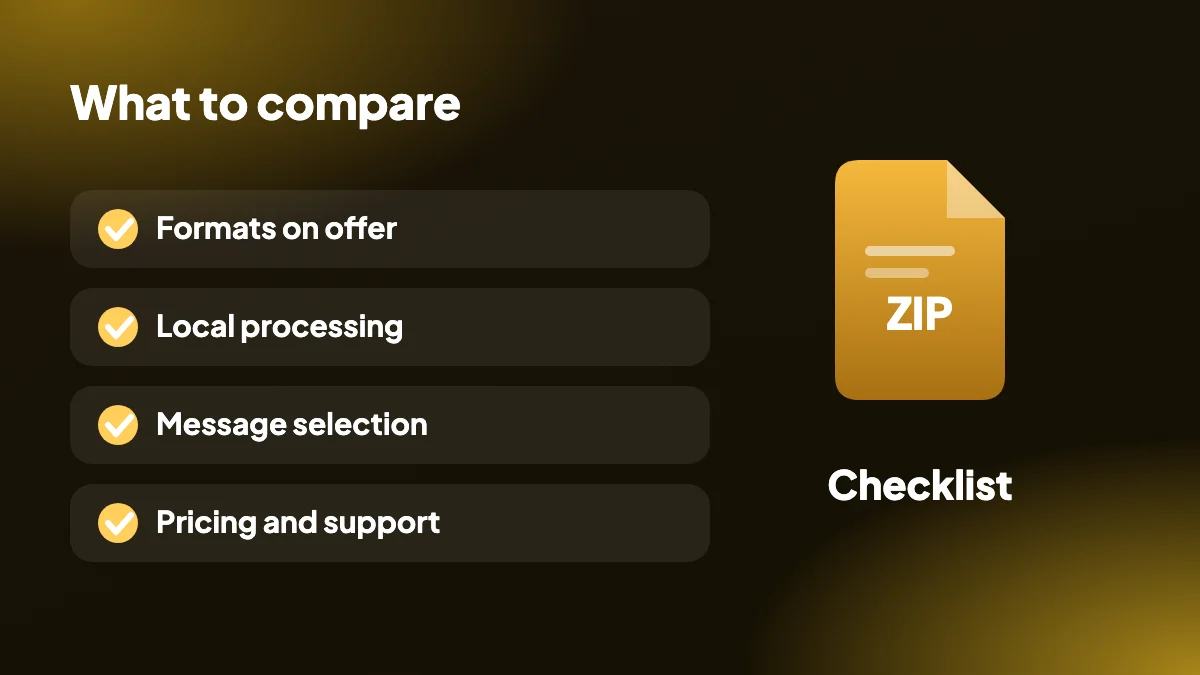
Searches for a ChatGPT exporter alternative or the best option usually come down to the same handful of questions. The first is which formats you actually need: a PDF for sharing, a Word file for editing, Markdown for notes, or JSON for data. The rest are about trust, control and cost.
| What to check | Why it matters | ChatGPT Exporter |
|---|---|---|
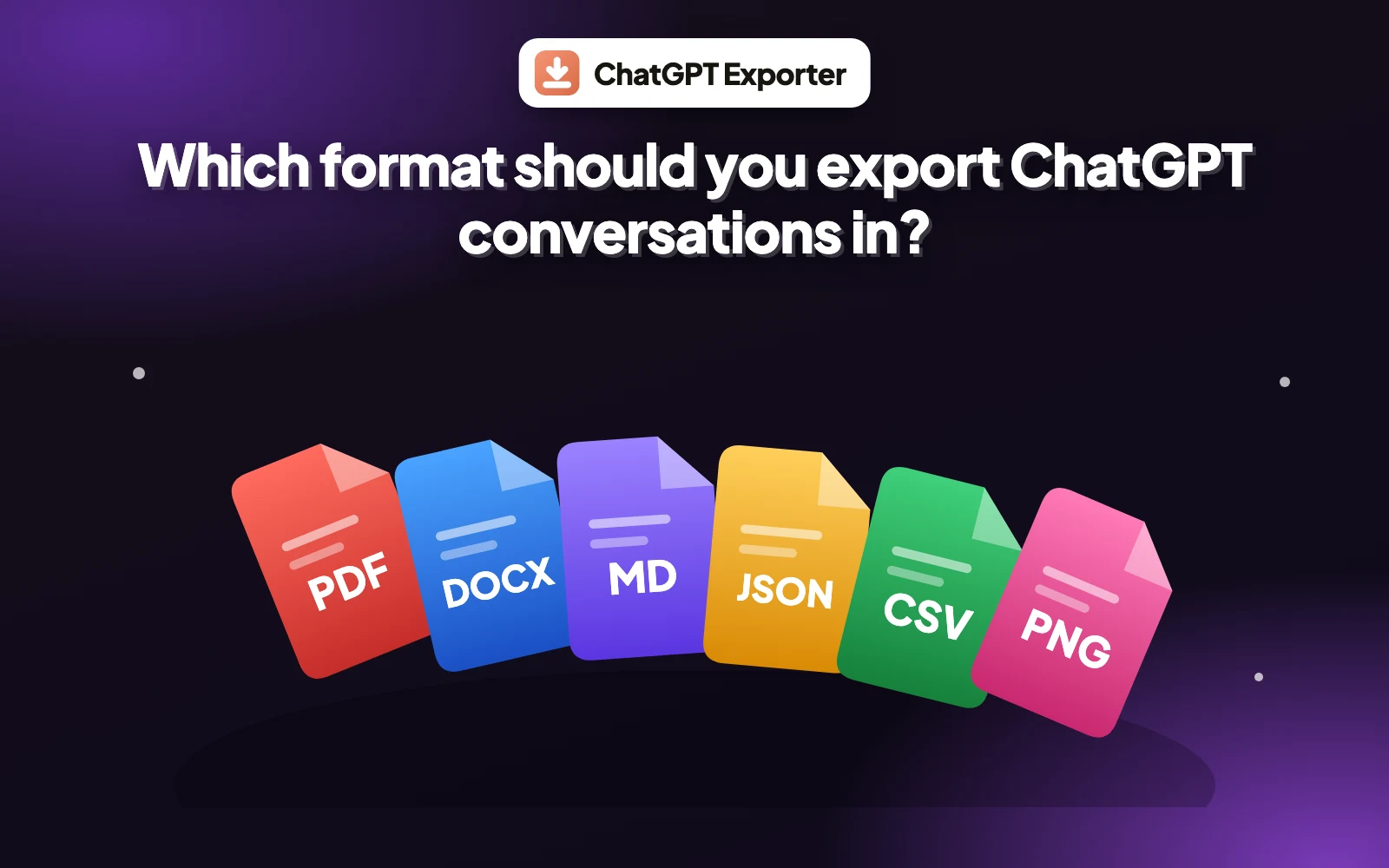
| Formats | You should not need three extensions for three formats | PDF, Word, Markdown, HTML, text, JSON, CSV, PNG |
| Privacy | Chats can hold work, code and personal details | Runs locally in your browser, no server, no analytics on chats |
| Message selection | You rarely want the whole chat | SELECT panel with All, Questions, Answers, None, Invert |
| Bulk export | Backups need many chats at once | Many chats to one ZIP |
| Layout control | A PDF should look designed | Page size, margins, theme, fonts, page numbers, contents |
| Pricing clarity | Avoid surprise limits | Free plan with a monthly quota, then $8 a month, $48 a year or $79 once |
| Open source | You can inspect what it does | MIT licensed |
3. Is a ChatGPT exporter safe?
People also ask whether a ChatGPT exporter is safe. An extension that can read your ChatGPT pages deserves scrutiny, so check what it sends where. ChatGPT Exporter processes conversations inside your browser and only talks to chatgpt.com, the site you are already on. Each permission it requests is explained in the privacy policy.
Also check the permissions an extension asks for, read its reviews and prefer open-source code you can inspect.
4. Browser support
ChatGPT Exporter is a desktop Google Chrome extension. There is no Firefox version, so anyone searching for a ChatGPT exporter for Firefox should look elsewhere or use the browser's print dialog. It also does not work in the ChatGPT mobile app. If Chrome suits you, start with the extension overview.
5. Alternatives to an extension
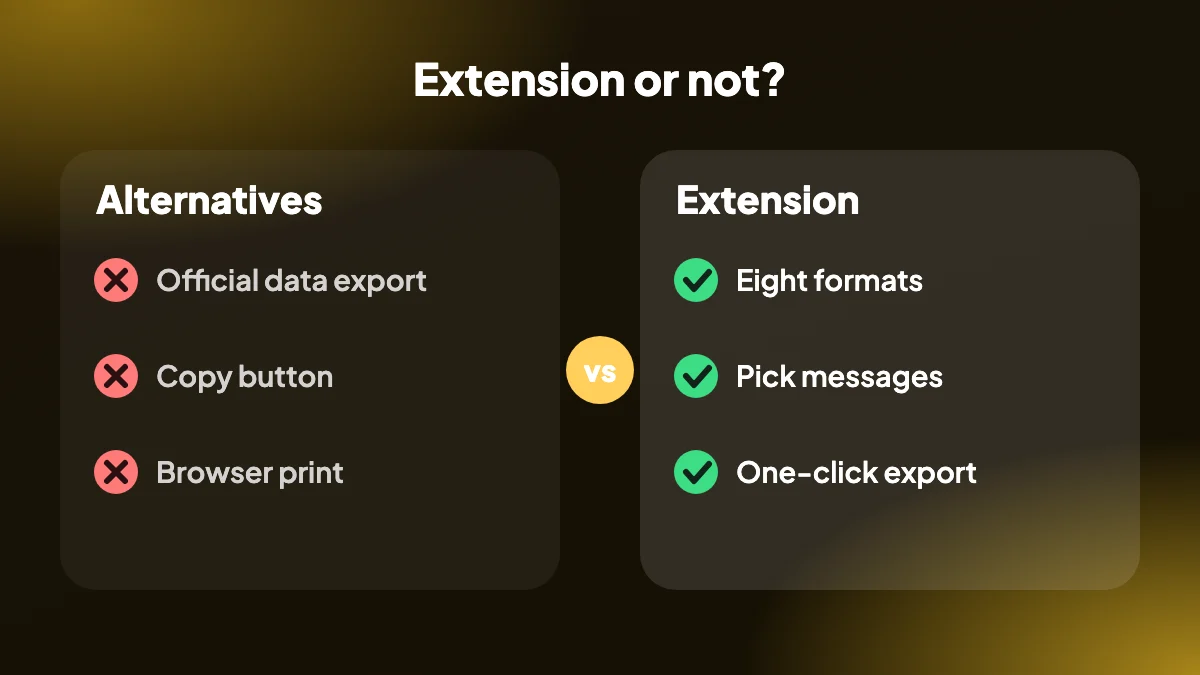
You do not always need one. ChatGPT's official data export covers a full account backup, and the copy button and browser print handle quick one-offs. The method comparison lays out when each is enough, and the format guide helps you pick the file type.
6. A ten-minute test you can run on any extension
Reviews and feature lists only tell you so much. The surest way to compare is to give each extension the same awkward chat and see what comes out. It takes about ten minutes and you will learn more than from an hour of reading listings.
Build a difficult test chat
Ask ChatGPT for a reply that includes a table, a code block in a language you use, a bulleted list and an equation. Add a follow-up so there are several messages.
Export the same chat in your two or three formats
Use the formats you really need, such as PDF and Markdown, not just whatever the extension demos.
Open every file and check the awkward parts
Are the code lines intact? Does the table still look like a table? Are the equations readable?
Try selecting only some messages
If you cannot export part of a chat, you will end up editing files by hand.
Repeat with a very long conversation
Long chats are where weaker tools stall, cut off or produce a jumble.
7. How to check what an extension can see
Any extension that reads your chats deserves a look under the bonnet, and Chrome makes this easier than most people realise.
On the extension's Chrome Web Store page, find the permissions and the "data usage" disclosures, and read what it says it collects. Then open chrome://extensions, choose Details and review the site access. An exporter has no reason to ask for access to every site you visit. If you want to go further, open DevTools on the ChatGPT page, switch to the Network tab and run an export: you can see for yourself whether anything is sent to another domain.
None of that replaces trust, but it turns "they say it is private" into something you can check.
8. Red flags worth walking away from
- It needs your ChatGPT password or API key. An exporter that reads the page you are signed in to has no need for credentials.
- You must upload the chat to a website to convert it. That is a different category of tool, and the conversation leaves your computer.
- The pricing only appears after you export. A tool should tell you its limits before you build a workflow around it.
- No recent updates and no support address. ChatGPT changes often, and an abandoned extension will eventually stop working.
- Reviews that read like they were written by the same person. Look for specific comments about specific formats.
9. Which kind of user are you?
The "best" extension depends less on features than on what you do with the output.
- Occasional user who wants a tidy PDF now and then: you need reliable PDF, a free tier and nothing complicated. Check how many exports the free tier allows.
- Writer or student: Word and Markdown matter most, along with the ability to export only the answers.
- Developer or analyst: look for JSON and CSV that include roles and timestamps, and bulk export for a whole project.
- Someone handling client or company information: privacy and local processing come first, ahead of every feature.
- Heavy daily user: a paid plan with no monthly cap may be cheaper than the time you lose working around limits.
To see how one extension answers these points in practice, read how the ChatGPT Exporter extension works.
Frequently asked questions
What is the best ChatGPT exporter?
It depends on the formats you need and how much you value privacy and control. Compare extensions on formats, local processing, message selection, bulk export and pricing, and test one on a real chat.
Is ChatGPT Exporter safe?
It processes conversations locally in your browser, only communicates with chatgpt.com and is open source under the MIT license. The privacy policy explains every permission.
What is a good ChatGPT exporter alternative?
Alternatives include ChatGPT's official data export for a full archive, the copy button, or the browser print dialog for a quick PDF. Each covers less than a dedicated extension.
Does ChatGPT Exporter work in Firefox?
No. It is a desktop Google Chrome extension.
Is there a free ChatGPT exporter?
ChatGPT Exporter has a Free plan with 5 full exports and 7 single exports a month, in every format. Paid plans remove the limit.
Which export formats should an extension support?
At minimum PDF, Word and Markdown. JSON, CSV, HTML, text and PNG cover developers, spreadsheet users and sharing.
Can an extension export all my chats?
Some can. ChatGPT Exporter has bulk export that downloads chosen chats together as a ZIP.
Is ChatGPT Exporter affiliated with OpenAI?
No. It is an independent project and is not affiliated with or endorsed by OpenAI.
How can I tell if an extension uploads my chats?
Read the permissions and data disclosures on its Chrome Web Store page, check the site access under chrome://extensions, and watch the Network tab in DevTools during an export to see whether data goes to another domain.
Are free ChatGPT exporters worth using?
Often yes, for light use. The questions to ask are what the free tier limits, whether every format is included and whether the price of upgrading is clear up front.
Should I choose an extension or a website converter?
An extension that works locally keeps your chat on your computer. A website converter usually needs you to upload or paste the conversation, which is worth avoiding for anything private.