ChatGPT Exporter saves eight formats. This guide explains what each is good at, so you pick the right one the first time.
1. ChatGPT export formats at a glance
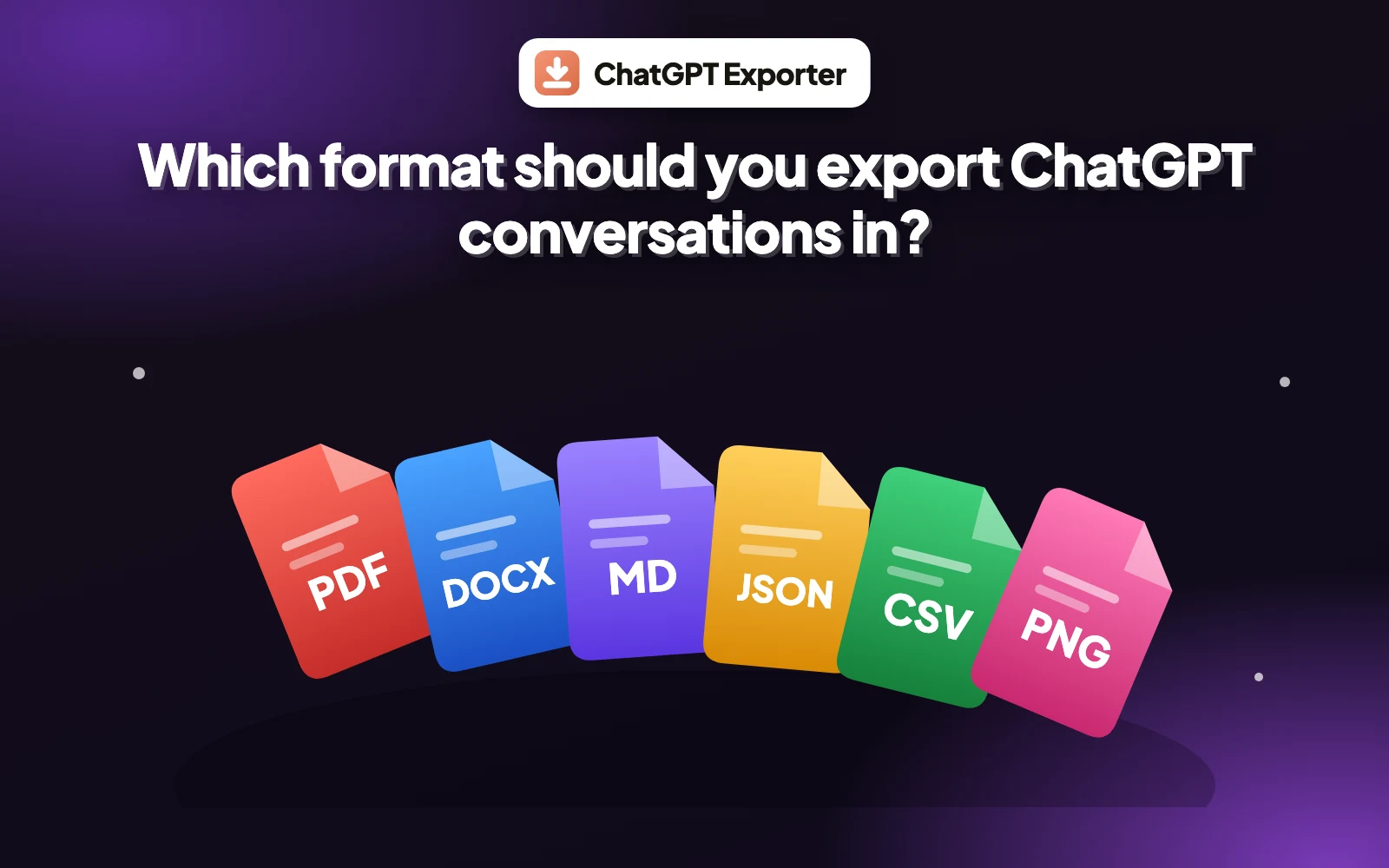
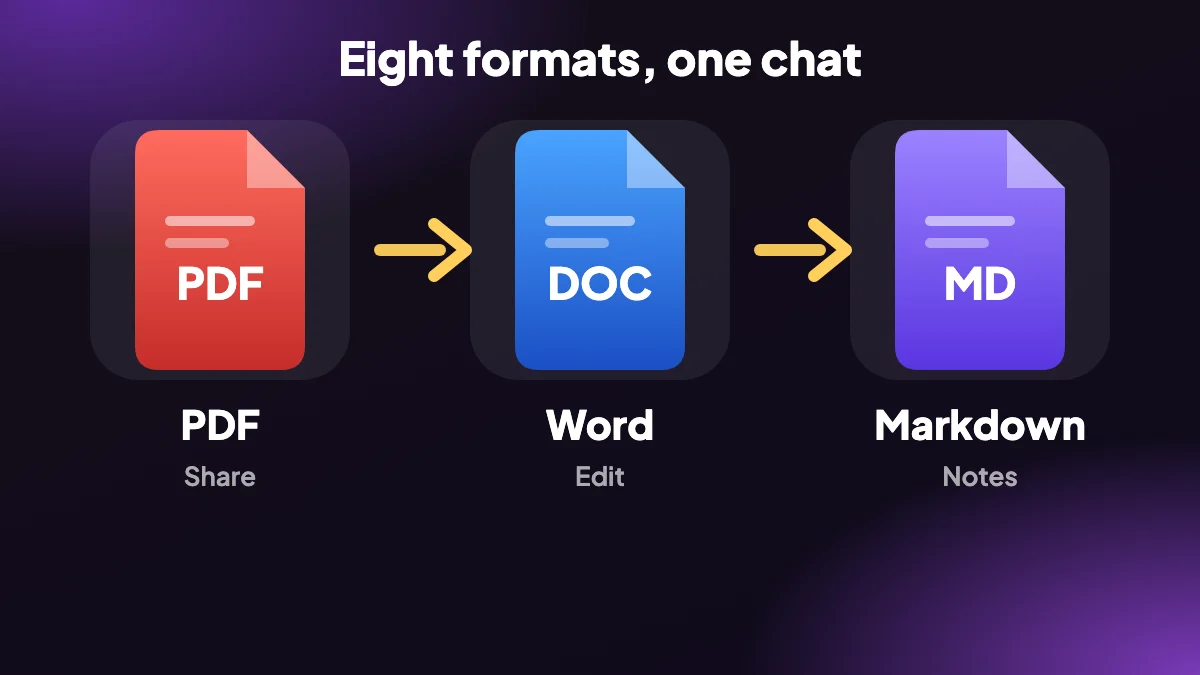
If you are wondering which format to export a chat in, start with where it is going next. A document for people to read wants PDF or Word. Notes and code want Markdown. Scripts want JSON, and spreadsheets want CSV.
| Format | Best for | Editable | Searchable |
|---|---|---|---|
| Sharing and printing with fixed pages | Not easily | Yes | |
| Word (.docx) | Editing and collaborating | Yes | Yes |
| Markdown | Notes, docs and version control | Yes | Yes |
| HTML | Reading on screen, one self-contained file | With code | Yes |
| Text (.txt) | Just the words, no formatting | Yes | Yes |
| JSON | Scripts, analysis and archives | With code | Yes |
| CSV | Spreadsheets, one message per row | Yes | Yes |
| PNG | Slides, posts and visual sharing | No | No |
2. Choose by what you are doing
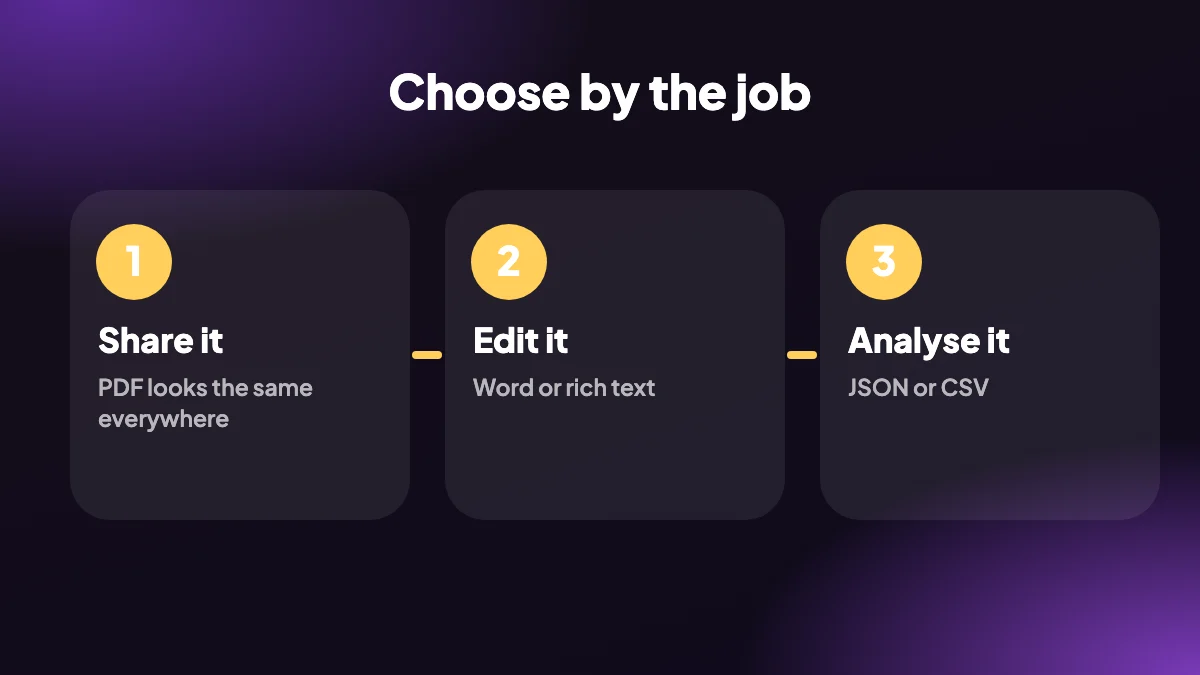
- Sending it to a colleague or client: PDF looks the same on every device.
- Turning answers into a draft: Word is built for editing, and copying as rich text works too.
- Building a knowledge base: Markdown is plain text that tools like Obsidian read.
- Archiving a record: HTML is one readable file that opens in any browser.
- Analysing prompts and answers: JSON or CSV, depending on whether you are scripting or filtering in a spreadsheet.
- Showing a chat in a presentation: PNG.
3. Plain text and the TXT format
Text is the simplest option. If you need to export a ChatGPT conversation as TXT, choose Text from the EXPORT menu and you get the words with no formatting, which opens in any editor. It is ideal for pasting into tools that choke on rich formatting, but it loses headings, tables and code highlighting.
4. Not sure? Start with PDF or Markdown
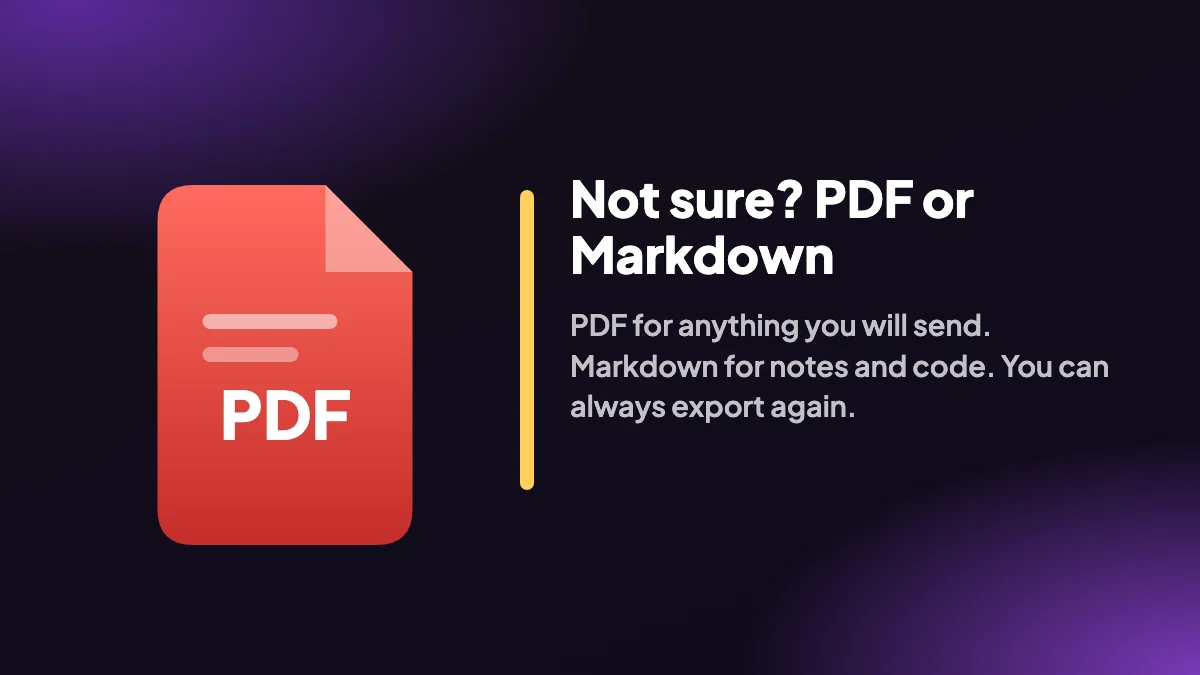
When in doubt, PDF is the safest choice for sharing and Markdown for keeping. You can export the same chat twice in different formats at no extra effort, and the extension remembers your last format, so a second export is one click. The extension page shows the steps, and how to export a conversation compares the other ways to get a chat out.
5. Five situations, and the format we would pick
A table of formats only gets you so far. It is easier to decide when you picture the actual job, so here are the five we see most often.
- A freelancer sending research to a client. Export a PDF. The client sees exactly the pages you saw, nobody can break the layout by opening it in the wrong app, and a table of contents makes a long answer easy to skim.
- A student turning a study session into revision notes. Markdown if your notes live in Obsidian or a similar app, Word if they live in a course folder and you want to add your own comments.
- A developer saving the prompt that finally produced working code. Markdown keeps code in fenced blocks with the language tag, which means it still reads well in a repo. If you plan to search many chats later, add JSON as well.
- A team lead reviewing how people use ChatGPT. CSV gives you one message per row, so you can filter by role, sort by time and count things in a spreadsheet.
- Someone building a slide or a social post. A PNG drops straight into a deck. It is a picture, so nobody can search or edit it, which is the point.
6. What survives in each format
All eight formats carry your words. They differ in what happens to the structure around the words: code blocks, tables and equations. If any of those matter, check this before you export.
| Format | Code blocks | Tables | Maths |
|---|---|---|---|
| Kept, wrapping is optional | Kept | Typeset with KaTeX | |
| Word | Kept | Kept as Word tables | Stored as LaTeX text |
| Markdown | Fenced, with the language tag | Markdown tables | Kept as LaTeX |
| HTML | Kept | Kept | Rendered with KaTeX, which loads online |
| Text | Plain text, no highlighting | Flattened | Plain text |
The one that catches people out is maths in Word. If your chat is full of equations and you need them to look right, export a PDF instead, or keep both.
7. Export once, then convert only if you must
You can export the same conversation more than once, so you do not have to guess perfectly. A habit that works well is to keep one "master" copy in a format that loses nothing, then produce a shareable version when someone asks for it.
For most people the master is Markdown: small, readable in any editor, and easy to turn into something else later. If you work with developers or scripts, JSON is the more complete record, because it keeps message ids, roles and timestamps. The extension remembers the last format you used, so exporting a second version of the same chat takes one more click.
What we would avoid is converting a file from one format to another with a random online tool. Every extra converter is another place for your chat to be uploaded, and the result is usually worse than exporting again from the source.
8. Common mistakes when choosing a format
- Emailing a Markdown file to someone who does not use it. They will see symbols instead of headings. Send a PDF or a Word file.
- Using PNG for a long conversation. Long chats are split into several images, and none of it can be searched. Use PDF for anything you will want to find again.
- Choosing JSON because it sounds complete. It is complete, but it is meant for programs. If a person will read it, pick something readable.
- Expecting Word to behave like a PDF. A .docx reflows to whatever machine opens it, so spacing can shift slightly. That is a feature if you want to edit it and a problem if you want fixed pages.
- Forgetting that a CSV has no formatting. It is great for sorting messages and poor for reading a long answer.
Frequently asked questions
Which format should I export ChatGPT conversations in?
Use PDF for sharing, Word for editing, Markdown for notes and code, JSON or CSV for data, HTML for a single readable file and PNG for images.
What formats does ChatGPT Exporter support?
PDF, Word (.docx), Markdown, HTML, plain text, JSON, CSV and PNG.
Which format is best for editing?
Word is built for editing. Markdown is the best plain-text option for notes and code.
Which format is best for sharing?
PDF, because it looks the same on every device and is hard to change by accident.
Can I export a ChatGPT conversation as TXT?
Yes. Choose Text from the EXPORT menu for a plain text file with no formatting.
Which format keeps code blocks best?
Markdown keeps code in fenced blocks with their language, and PDF keeps the formatting with a choice of whether code wraps.
Can I export the same chat in several formats?
Yes. Export it as many times as you like in any format, within your plan's monthly quota.
Do all formats work on the Free plan?
Yes. The Free plan supports every format with a monthly quota of 5 full exports and 7 single exports. See pricing.
Is there one format that works for everything?
Not really. PDF is the best all-rounder for sharing and Markdown is the best for keeping, but neither is ideal for editing in Word or analysing in a spreadsheet. Pick by the next step, not by habit.
Which export format makes the smallest file?
Plain text and Markdown are usually the smallest, since they hold only words. Images and PDFs with embedded pictures tend to be the largest.
Can I convert one export format into another later?
Sometimes, but it is better to export again from ChatGPT in the format you need. Converting a PDF back into something editable rarely keeps the structure, whereas a fresh Word or Markdown export does.